Now, it’s necessary to know about the menus that are used in studio pro. There are few mandatory menus are there, and few menus that will help to increase development speed and others will help in debugging the application.
- App explorer:
This menu allows developers to browse and organize our project structure by help in create, modify the pages, microflows, nanoflows and entities etc…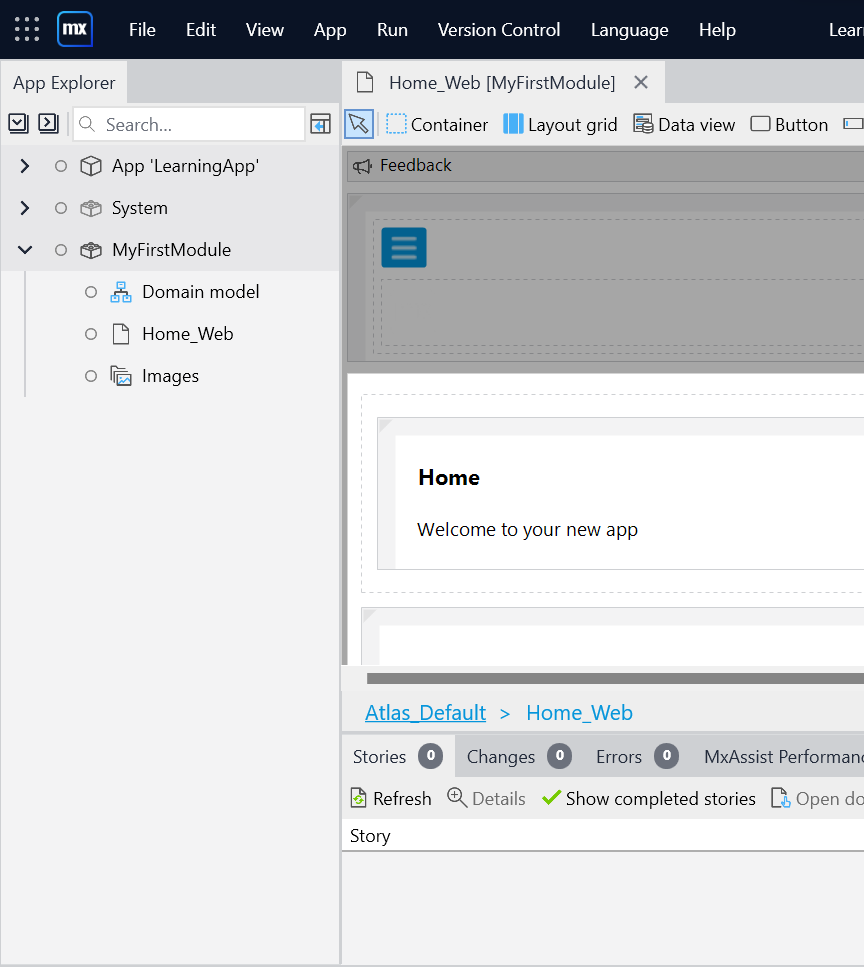
- Tool box:
The menu contains the elements/activities that are supported in elements of studio pro (page, microflow, nanoflow, domain model etc)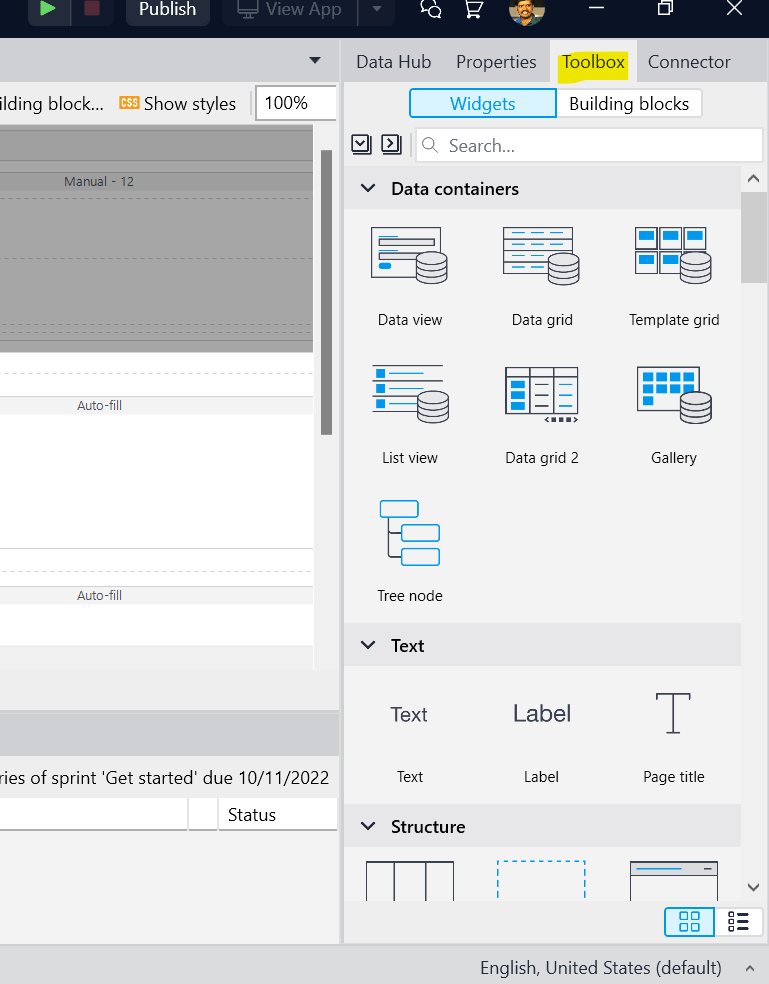
- Property:
This menu contains widgets information on an element such page title, CSS class name, layout name etc.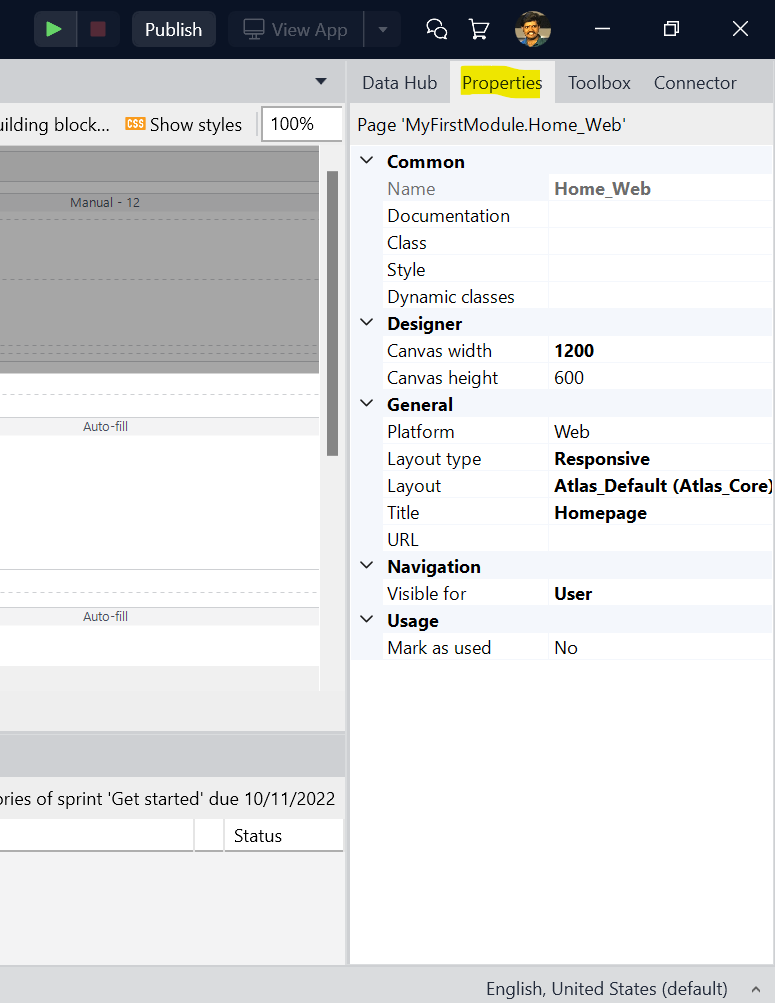
- Connector pane:
This menu will suggest the attribute in entity that are used in page. This will Improve development speed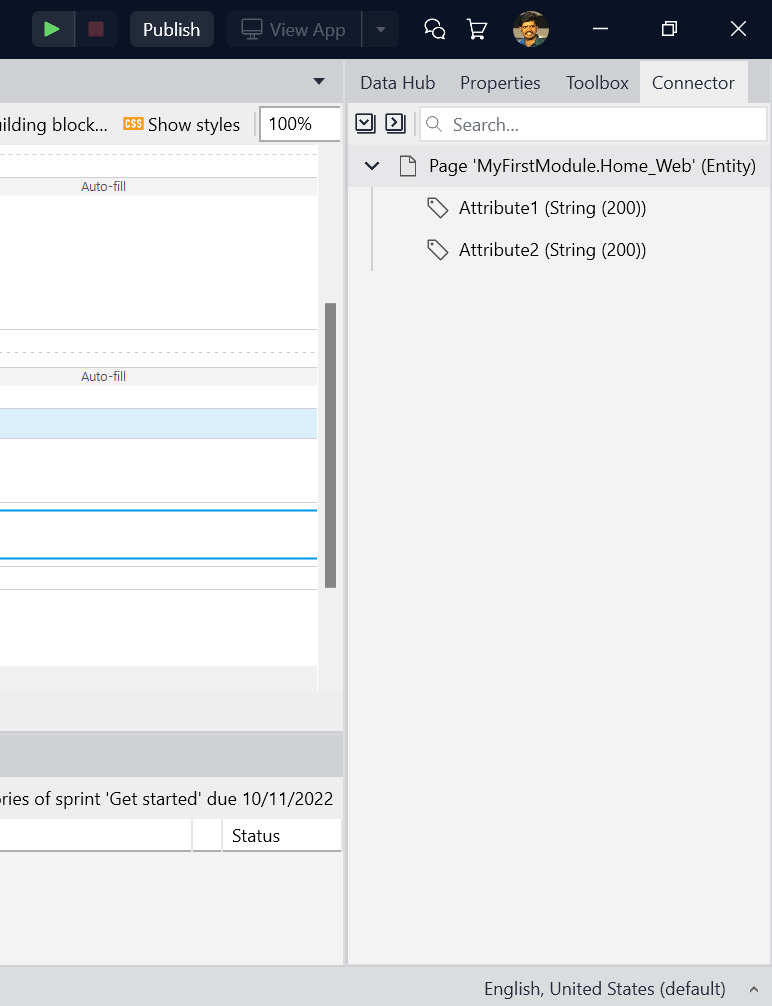
 FiTT
FiTT 
Leave a comment